

PlayinMatch Customer Care — Fast WhatsApp Help and a Reply Inside the Hour
Something is stuck and you want a person, not a form. That is what this page is for. Whether a withdrawal is sitting longer than it should, an OTP never showed up, or you simply cannot remember which address is the live one today, PlayinMatch customer care is meant to sort it in one short conversation. Below you will find every channel that actually reaches the team, the number kept here as plain reference text, and — the bit most help pages skip — exactly what to send in your first message so nobody has to ask twice.
How PlayinMatch Customer Care Reaches You Fastest
There are three doors, and they are not equal. The quickest is WhatsApp: tap any Login or chat control on this site and it routes straight to the official PlayinMatch help door. In-app chat is the second, and it is handy once you are signed in because the team can already see your account. The third is the display line kept below for reference. Honestly, for anything account-specific, chat beats a call — you can paste a screenshot and a reference number, and the PlayinMatch desk reads it in seconds instead of spelling everything out loud.
One thing worth saying plainly. PlayinMatch runs its support the same way across every one of its addresses, so it does not matter which domain you signed in on today — the help desk and your account are the same behind all of them.
If you are weighing which door to knock on, match it to the problem. A stuck withdrawal, or a deposit that debited but never landed, is best raised on WhatsApp or in-app chat, because the PlayinMatch team can pull the transaction against your registered number straight away. A login or OTP snag is the same story. A question about a specific market or a game result is quicker in in-app chat, where the round history is one tap away. The display number below is there for anyone who simply wants to confirm the PlayinMatch desk is real before they start.
PlayinMatch Support Docket — Everything for a Fast Fix
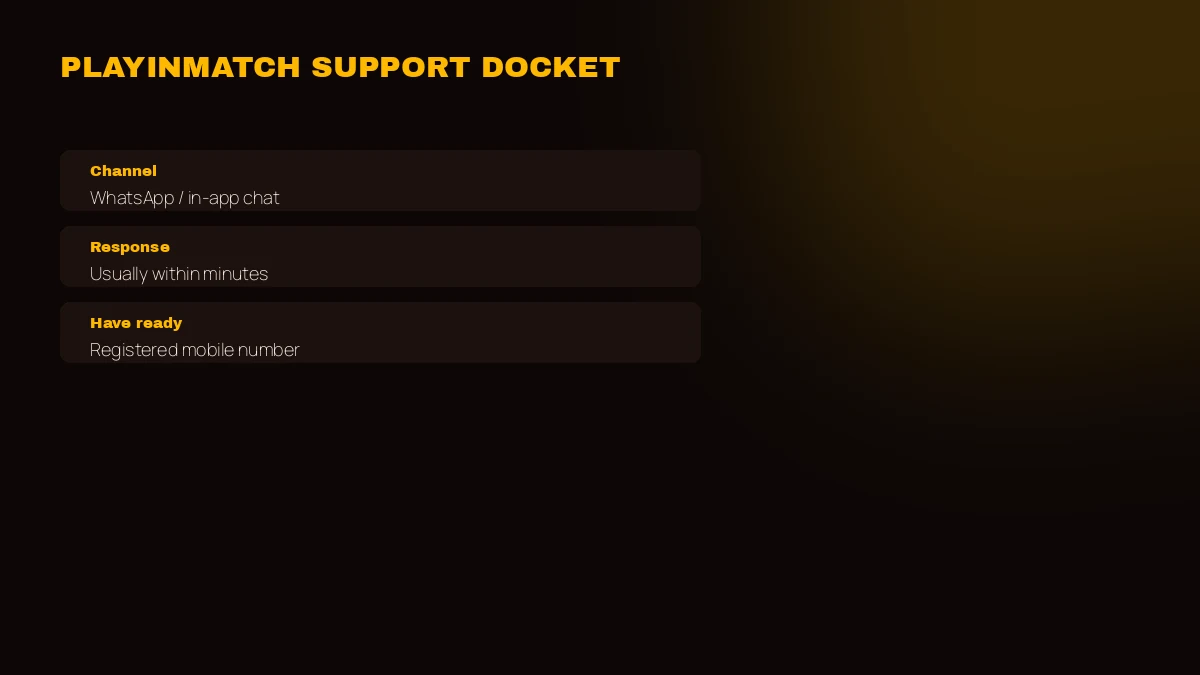
Keep this little card in mind before you write in. Half the back-and-forth on any PlayinMatch ticket disappears when the first message already carries your number and a reference, so the docket below is really just a checklist of what the team needs to help you quickly.
The PlayinMatch Support Docket
Channels, quickest first
- Open from any Login or chat button on this site — routes to the official help door.
- In-app chat
- Inside your account after sign-in; the fastest route for balance and bet queries.
- Phone (display only)
- +91 81097 11726 — shown as reference text, not a dialling link.
- Response
- Usually quick; allow a little longer on a big match night or a bank holiday.
Have this ready before you message
- Your registered mobile number (the one the account was opened with).
- Your last transaction reference — deposit UTR or withdrawal ID.
- A one-line description of what happened and roughly when.
In-app chat deserves a word of its own. Because it opens from inside a signed-in PlayinMatch account, the agent can already see your balance, your open bets and your recent transactions without you reading anything out, so money and bet questions usually settle faster there than by any other route. WhatsApp is the better pick when you are locked out and cannot sign in at all — you still reach the same PlayinMatch desk, only from the outside.
PlayinMatch Customer Care Response Times — Quick and Honest
Here is the truthful version. On an ordinary afternoon a WhatsApp or chat reply usually lands within the the hour, often much sooner. That is not a promise, it is a pattern — and patterns bend. The two things that stretch it are predictable: a marquee IPL evening when thousands of people message at once, and a bank holiday when payment queries pile up with nothing moving on the bank side. When PlayinMatch says superfast, that is the everyday case; the honest footnote is that peak windows are slower, and no support desk anywhere controls when a bank reopens. If your issue is time-sensitive, lead with the reference number and the PlayinMatch team can triage it faster.
Fast PlayinMatch Withdrawal and Deposit Support
Money is the bulk of the mailbag, so lead with it. Deposits are the easy half — UPI through GPay, PhonePe or Paytm usually shows within a few minutes, and IMPS or NEFT sit close behind. If your bank debited but the account never updated, that is a genuine PlayinMatch support case: send the UTR and the desk traces it rather than telling you to wait. The minimum is whatever the cashier displays at the time, not a fixed figure worth memorising. Payouts go to a bank account that matches your registered name once KYC agrees, and on a calm day you recieve the credit inside about an hour.
When a payout stalls, the PlayinMatch desk works down a short checklist the moment you send the withdrawal ID:
- The bank account name does not match the name on your account.
- KYC is still pending, or only half finished.
- A live bet is quietly ring-fencing the balance you are trying to take out.
- A single wrong digit in the IFSC.
- Bank-side downtime — nothing wrong at your end at all.
 Cricket Exchange
 Slots
Slots Teen Patti
Reliable PlayinMatch Login, ID and Account Help
Locked out is the other big bucket. Most login trouble on PlayinMatch is a forgotten password, and you can fix that yourself: on the sign-in screen tap Forgot Password, put in your phone or username, hit Send OTP, then set a new one. If the code is slow, wait for the resend timer rather than requesting five in a row — that can actually slow the SMS down. A seperate cause is people trying an old bookmark from the Playinexch days; that name changed to PlayinMatch back in December 2024, so an outdated link can look broken when the account is perfectly fine. When self-service does not do it, PlayinMatch customer care can run a manual check against your registered mobile number.
New here and stuck at the very first step? Signing up is a mobile number, a 6-digit OTP by SMS, then a password — and if the OTP genuinely will not arrive, that too is a fair thing to message support about with the number you are trying to register.
Why the PlayinMatch Address Changes — Same Secure Account
People often reach customer care asking whether a site is fake because the address they had stopped opening. It is not fake — it is India. Betting domains get blocked here on a rolling basis, so PlayinMatch keeps several addresses live, and when one stops loading the same account opens on the next one with the same ID and the same balance. That is why you might see a few different domains; none of them is a copy. If you are ever unsure which address is the current live one, ask the PlayinMatch desk and they will point you at it. Everything about your account — login, funds, history — carries across untouched, which is the whole reason the setup exists.
A quick way to stay ahead of it: before a big weekend of cricket, ask the PlayinMatch desk to confirm the current working address and save it. Then, if your usual link goes dark mid-match, you are not left hunting — you open the saved one and carry on with the same balance. The team would far rather hand you that link than have you land on some lookalike.
Two more places on the site tie into this: if the hold is on the cashier side, the PlayinMatch withdrawal page walks through timings and the exact stuck-payment reasons, and the PlayinMatch login page covers OTP and password recovery in more detail.
PlayinMatch Customer Care — Fast Answers to Common Questions
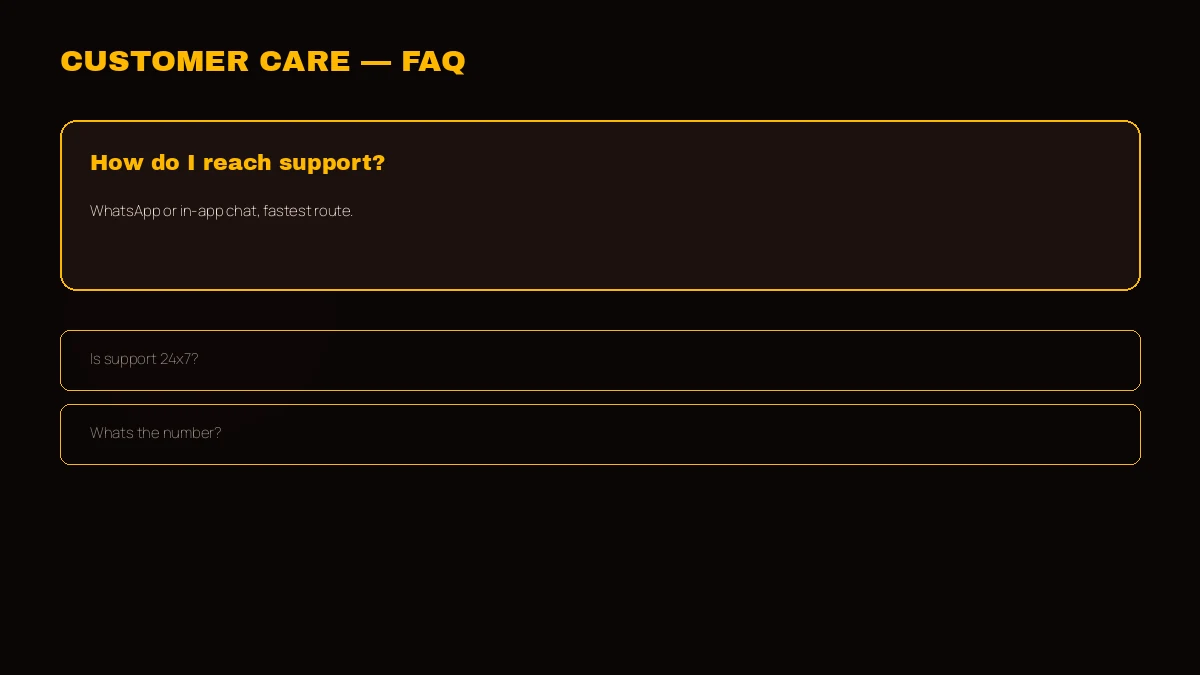
How do I contact PlayinMatch customer care?
The quickest way is WhatsApp or in-app chat, and both reach the same PlayinMatch team. WhatsApp opens from any Login or chat button here; in-app chat lives inside your account after sign-in. Keep the display line +91 81097 11726 for reference, and lead with your registered mobile number.
Is PlayinMatch support available 24x7?
Yes, the PlayinMatch help desk runs around the clock, every day of the week including match nights and holidays. WhatsApp and in-app chat are the quickest routes at busy hours. Replies are usually quick, though a big IPL evening or a bank holiday can stretch the wait a little.
What is the PlayinMatch customer care number?
The display support number is +91 81097 11726, shown as plain text for reference. For an actual conversation the fastest channel is WhatsApp or the in-app chat, which reach the same PlayinMatch team. Keep your registered mobile and your last transaction reference handy before you get in touch.
Why is my PlayinMatch withdrawal delayed?
A stalled PlayinMatch payout is nearly always one small mismatch: a bank name that differs from your account, KYC not yet cleared, a live bet holding the funds, one wrong IFSC digit, or the bank being down. Send your withdrawal ID to support and they read off which one it is.
How do I recover my PlayinMatch login?
Use Forgot Password on the sign-in screen: enter your phone or username, tap Send OTP, then set a new password. If the OTP does not arrive, wait for the resend timer and try again. Still stuck, message PlayinMatch customer care with your registered mobile number for a manual check.